
Core Ops System — 1-Month Engagement
$1,200
What’s Included
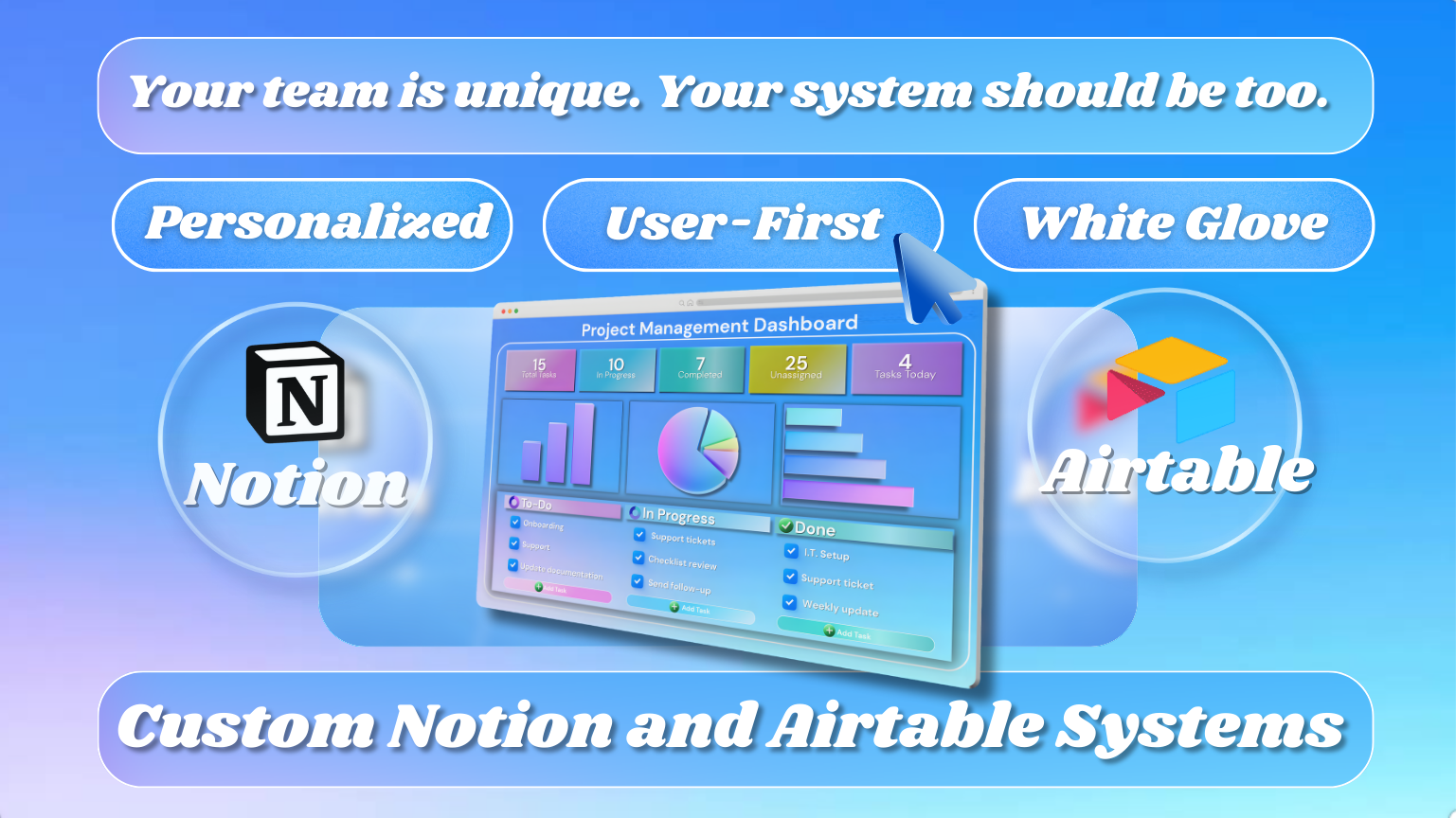
This is a personalized, white-glove systems build in Notion or Airtable. The goal is simple: one clean home base that shows what’s happening, what needs attention, and what to do next, without you duct-taping spreadsheets, notes, and reminders together.
Typical timeline: 4–6 weeks from intake to handoff (depending on complexity and responsiveness).
What you’ll have before I build anything
Fit + intake
A short call to confirm fit, goals, constraints, and timeline
A clear definition of what success looks like for you
Discovery + workflow mapping
A map of your real workflow: phases, triggers, handoffs, failure points, and “where it breaks under pressure”
What you’re using today and what the new system will replace
Scope summary (before build)
A simple written scope that says:
What I’m building
What “done” means
What’s included now vs. what would be a later phase
Build plan (so there are no surprises)
A “system direction summary” that previews:
The core databases/tables
The dashboards and key views
The workflow logic (statuses, routing, priority rules)
Timeline (typical 4–6 weeks)
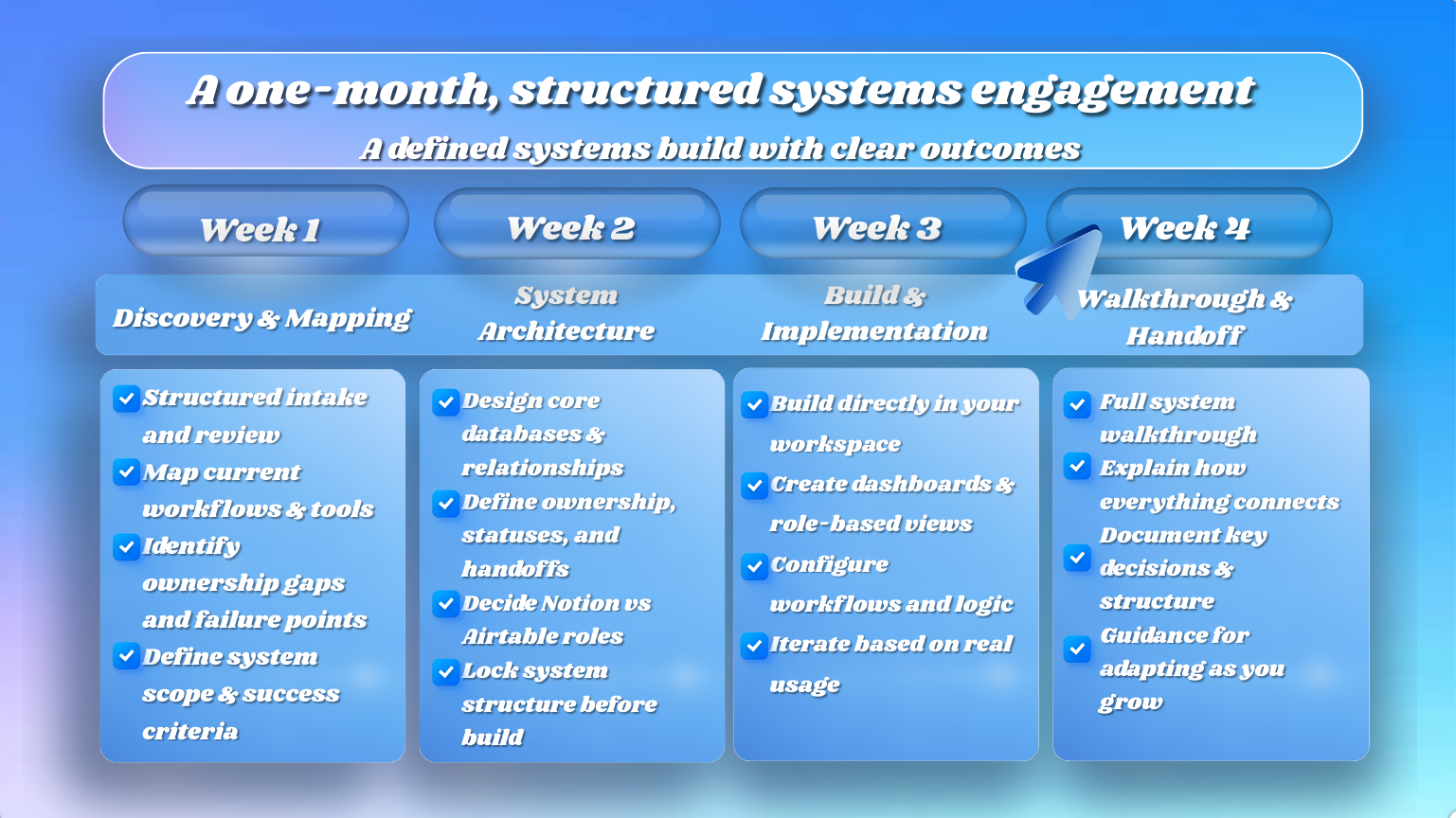
Week 1: Discovery + scope
Intake, workflow mapping, scope summary, build plan
Weeks 2–4: Build + iteration
Core structure, dashboards, priority logic, quick actions
Feedback loop so we adjust before handoff
Weeks 4–6 (as needed): Hardening + handoff
Edge cases, cleanup, permissions, training, documentation
If something is truly “one-month ready,” we can move fast. If the workflow is complex, 4–6 weeks protects quality and avoids a fragile system.
What I need from you (to keep this efficient)
Access to your current tools and examples (spreadsheets, docs, forms, inbox patterns)
A point person for decisions and feedback
Fast answers to a few key questions during build weeks
Boundaries that protect both of us
Scope is agreed in writing before build starts
If new requirements appear mid-build, we decide:
Swap something out, or
Phase it into a “next build” add-on
I don’t promise features I can’t validate yet. The first call is where we confirm what’s realistic for your workflow.
Next step
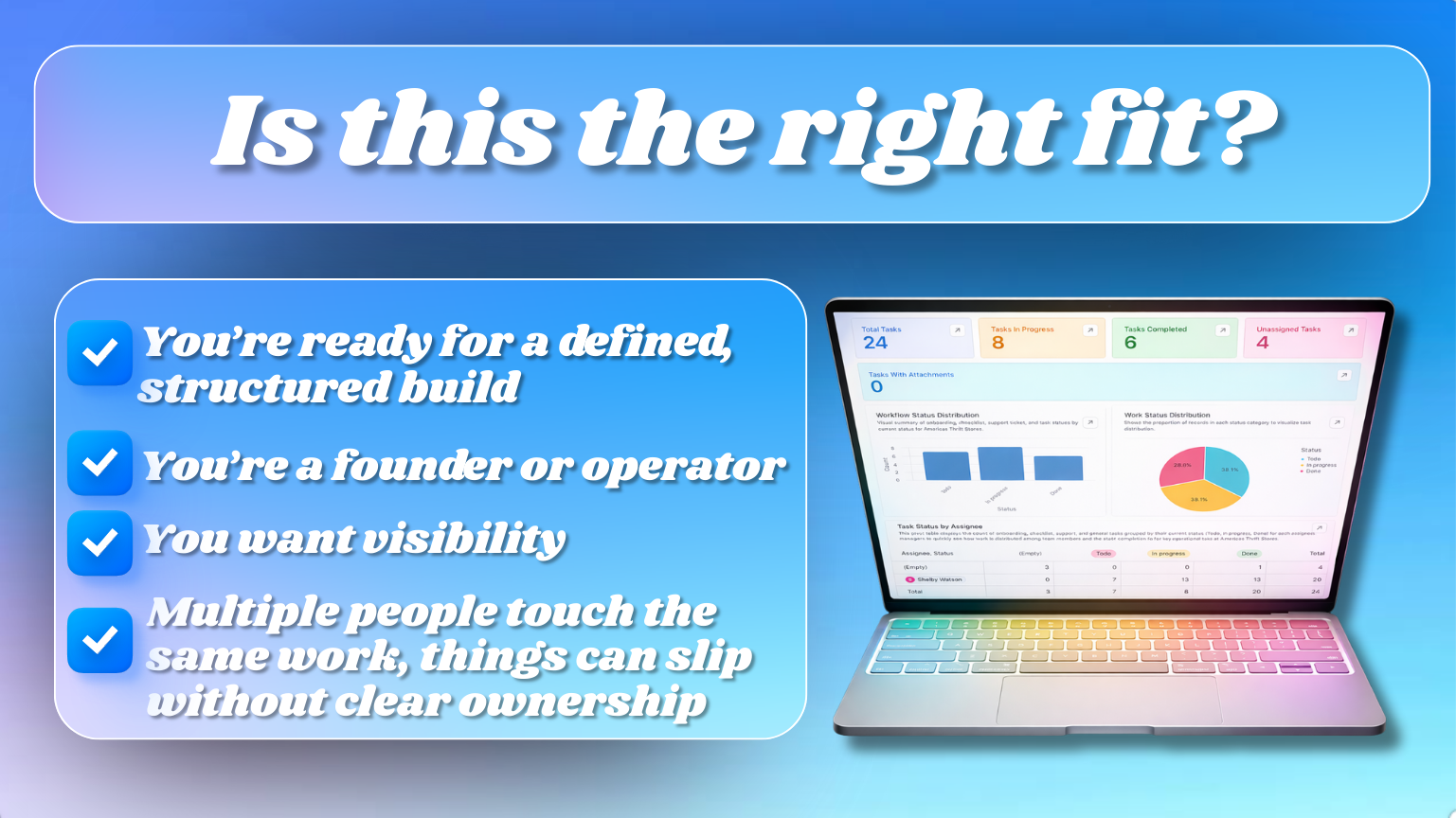
Schedule a free intro call to see if this is the right fit.
If it is, you’ll leave the call with a clear plan for what we’d build, what it replaces, and what “done” looks like.
Always included in every build
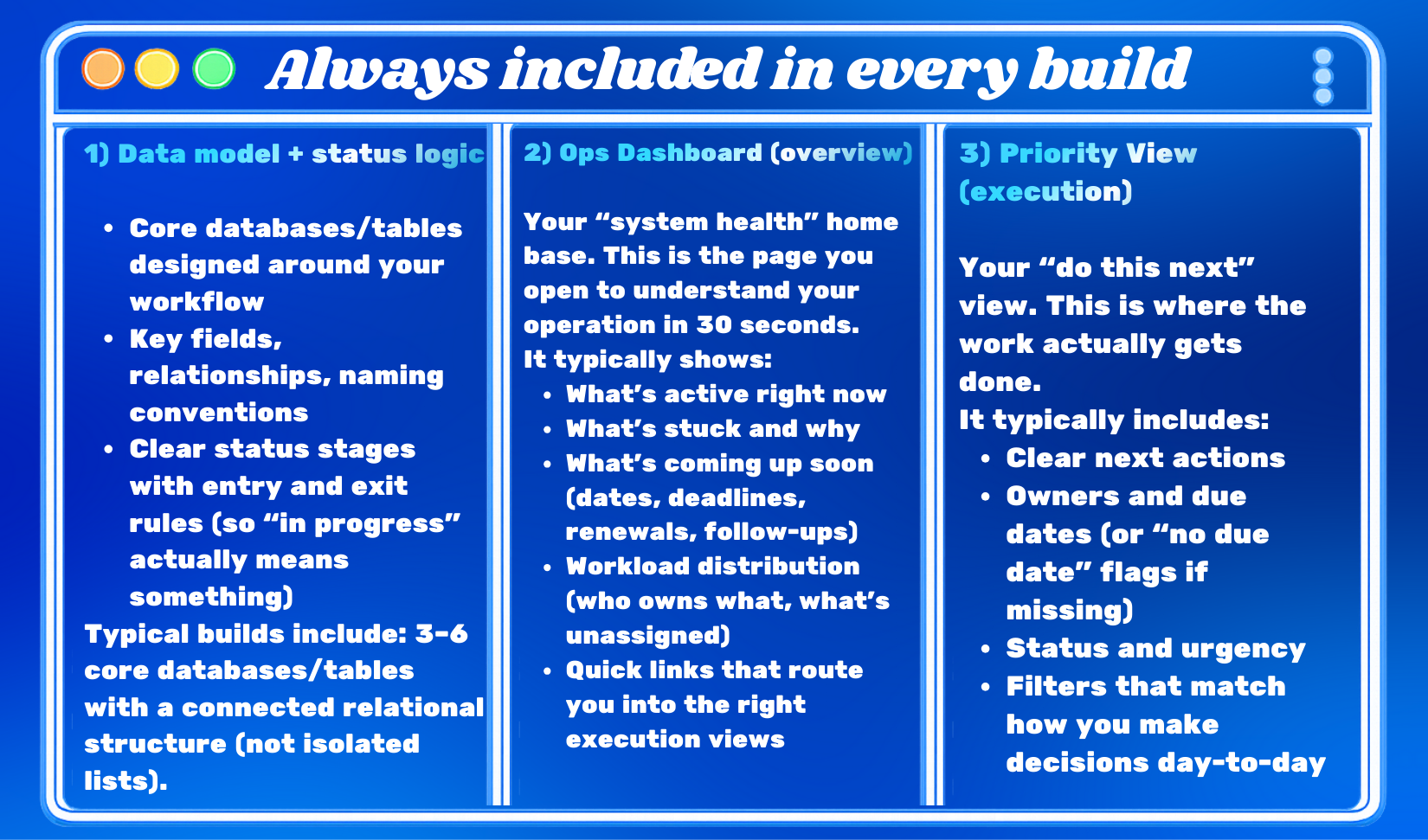
1) Data model + status logic
Core databases/tables designed around your workflow
Key fields, relationships, naming conventions
Clear status stages with entry and exit rules (so “in progress” actually means something)
Typical builds include: 3–6 core databases/tables with a connected relational structure (not isolated lists).
2) Ops Dashboard (overview)
Your “system health” home base. This is the page you open to understand your operation in 30 seconds.
It typically shows:
What’s active right now
What’s stuck and why
What’s coming up soon (dates, deadlines, renewals, follow-ups)
Workload distribution (who owns what, what’s unassigned)
Quick links that route you into the right execution views
3) Priority View (execution)
Your “do this next” view. This is where the work actually gets done.
It typically includes:
Clear next actions
Owners and due dates (or “no due date” flags if missing)
Status and urgency
Filters that match how you make decisions day-to-day
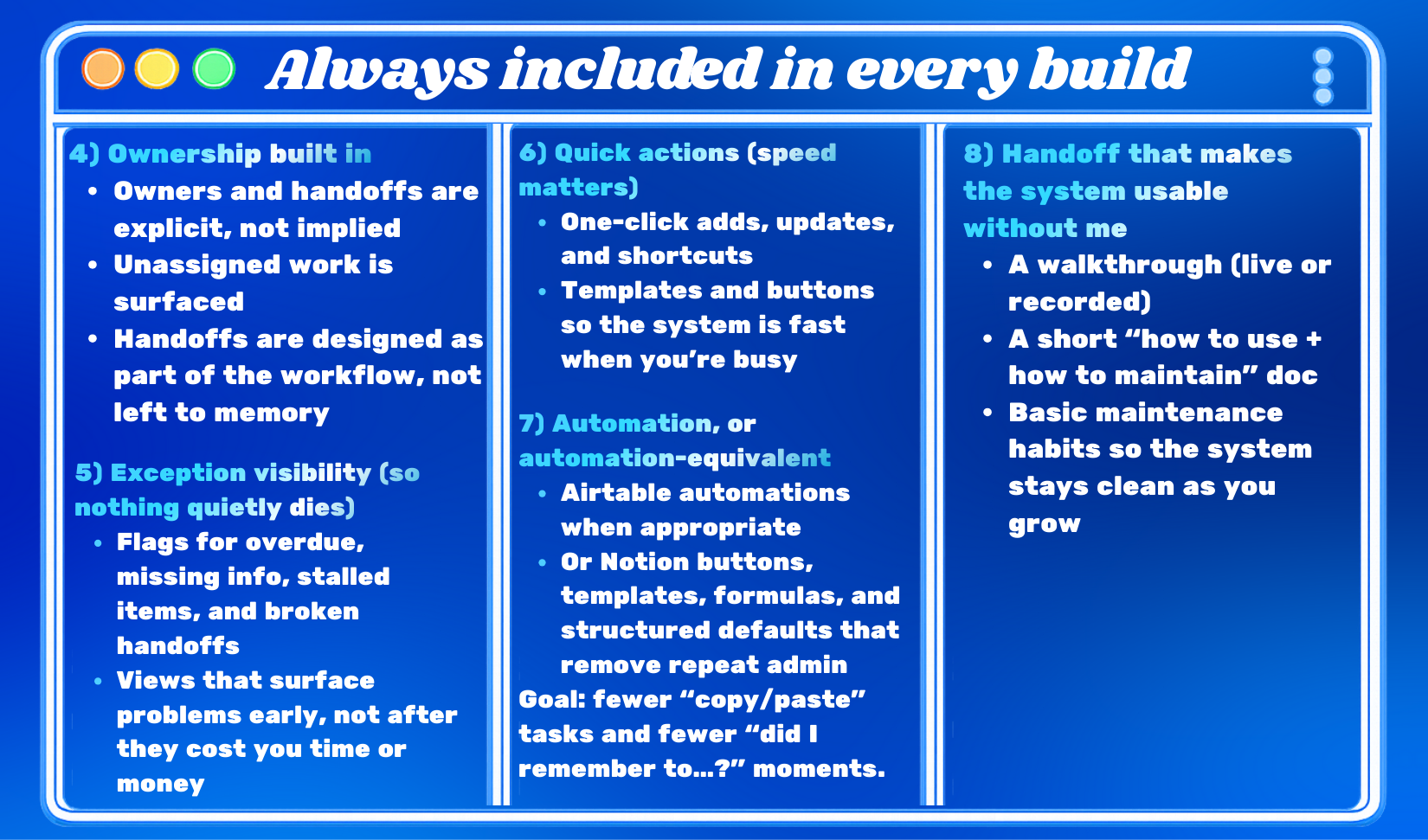
4) Ownership built in
Owners and handoffs are explicit, not implied
Unassigned work is surfaced
Handoffs are designed as part of the workflow, not left to memory
5) Exception visibility (so nothing quietly dies)
Flags for overdue, missing info, stalled items, and broken handoffs
Views that surface problems early, not after they cost you time or money
6) Quick actions (speed matters)
One-click adds, updates, and shortcuts
Templates and buttons so the system is fast when you’re busy
7) Automation, or automation-equivalent
Airtable automations when appropriate
Or Notion buttons, templates, formulas, and structured defaults that remove repeat admin
Goal: fewer “copy/paste” tasks and fewer “did I remember to…?” moments.
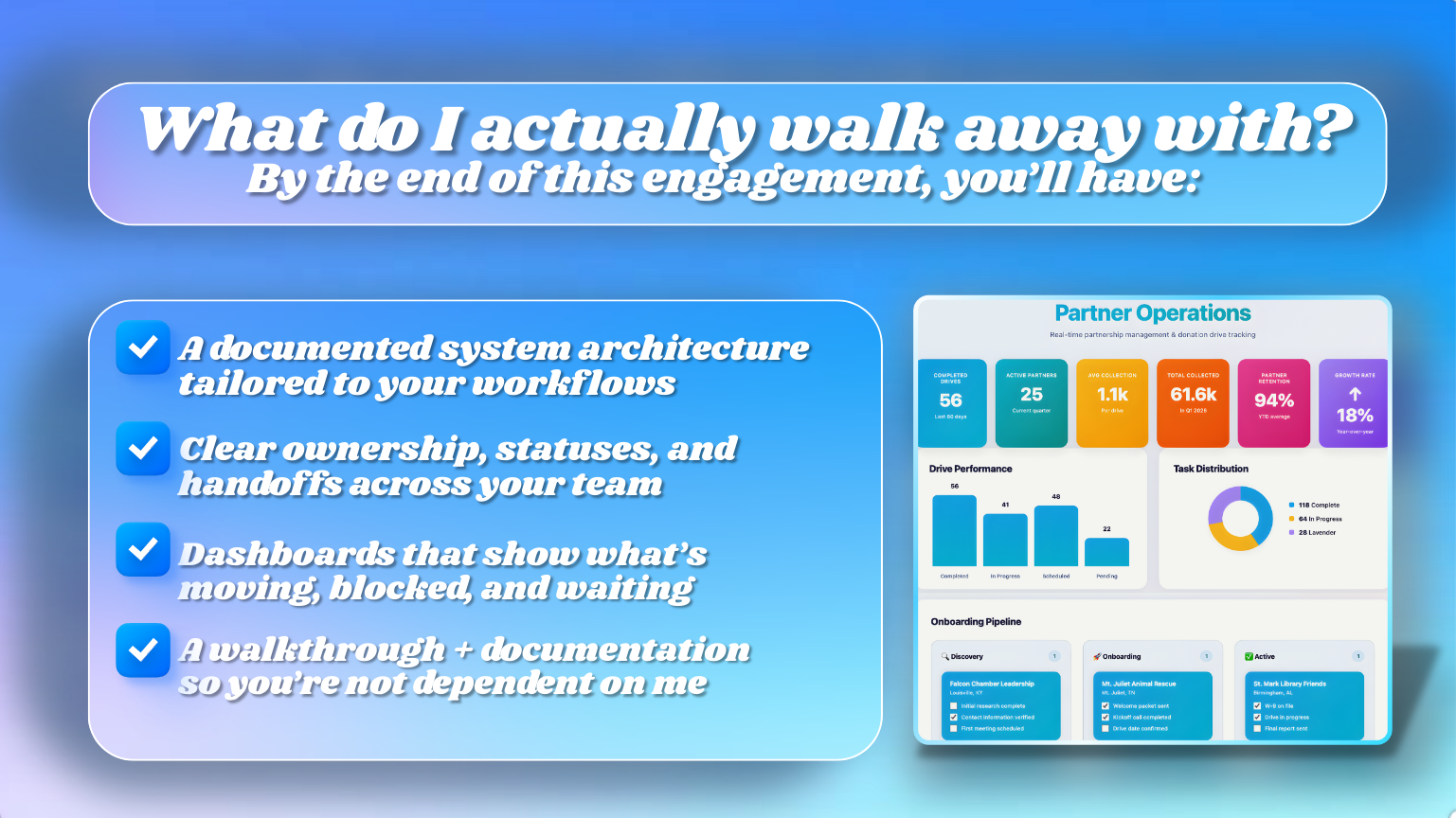
8) Handoff that makes the system usable without me
A walkthrough (live or recorded)
A short “how to use + how to maintain” doc
Basic maintenance habits so the system stays clean as you grow
Customized based on your workflow
Depending on your operation, I can build any of these into the system:
Lifecycle phases tailored to your process (not generic templates)
Custom tables/fields/views specific to your business
Priority logic (what “urgent” means for you and how it’s surfaced)
Role-based views (founder, ops, sales, CS, partners, etc.)
Ownership rules and routing (assignment logic, coverage areas, handoffs)
Communication workflows (templates, logs, triggers where relevant)
Advanced automations + integrations when they’re safe and worth it
Reporting and metrics (pipeline health, workload, throughput, completion rates)
Renewal or follow-up cadence if you run repeat cycles
Portals if relevant (client portal, partner portal, internal hub)
Permission strategy (who can edit vs. view)
Adoption supports (SOP depth, training pages, rollout plan, maintenance habits)
Typical builds include: 5–10 views across dashboards, priority/execution, role-based workspaces, and exception views (scaled to your needs).
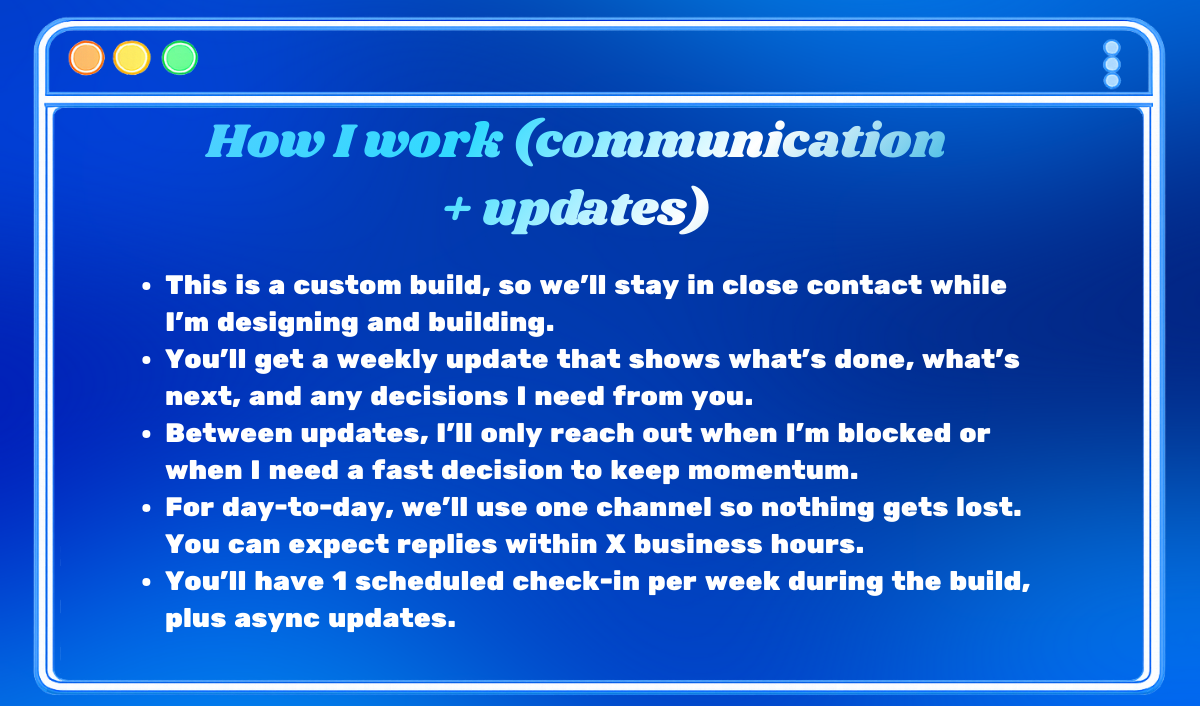
How I work (communication + updates)
This is a custom build, so we’ll stay in close contact while I’m designing and building.
You’ll get a weekly update that shows what’s done, what’s next, and any decisions I need from you.
Between updates, I’ll only reach out when I’m blocked or when I need a fast decision to keep momentum.
For day-to-day, we’ll use one channel so nothing gets lost. You can expect replies within X business hours.
You’ll have 1 scheduled check-in per week during the build, plus async updates.